
MOSS-Image AI: Accurate Text, Placed Right
No more misspelled or misplaced words. One line in, a finished design out.
MOSS-Image AI examples
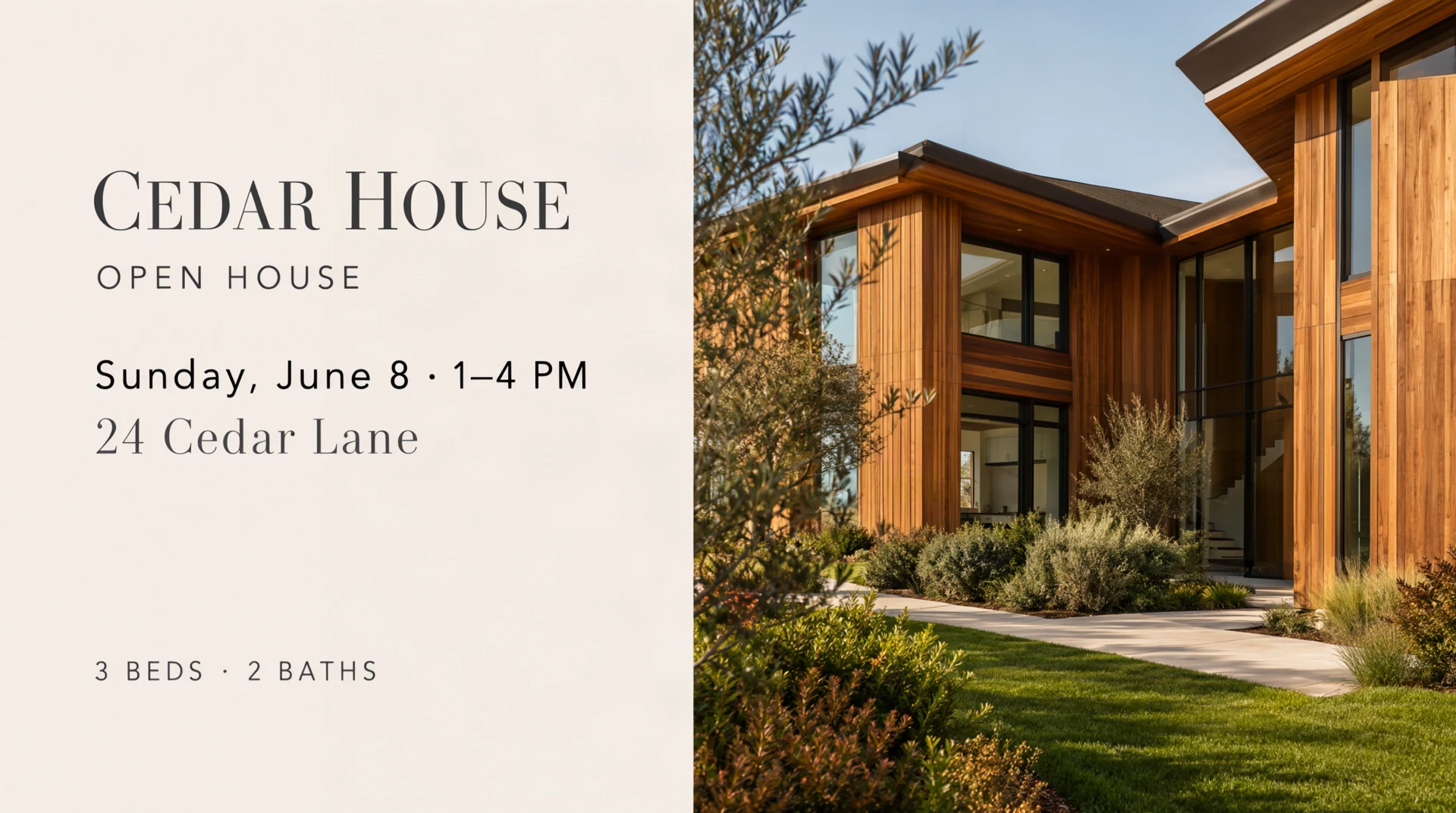
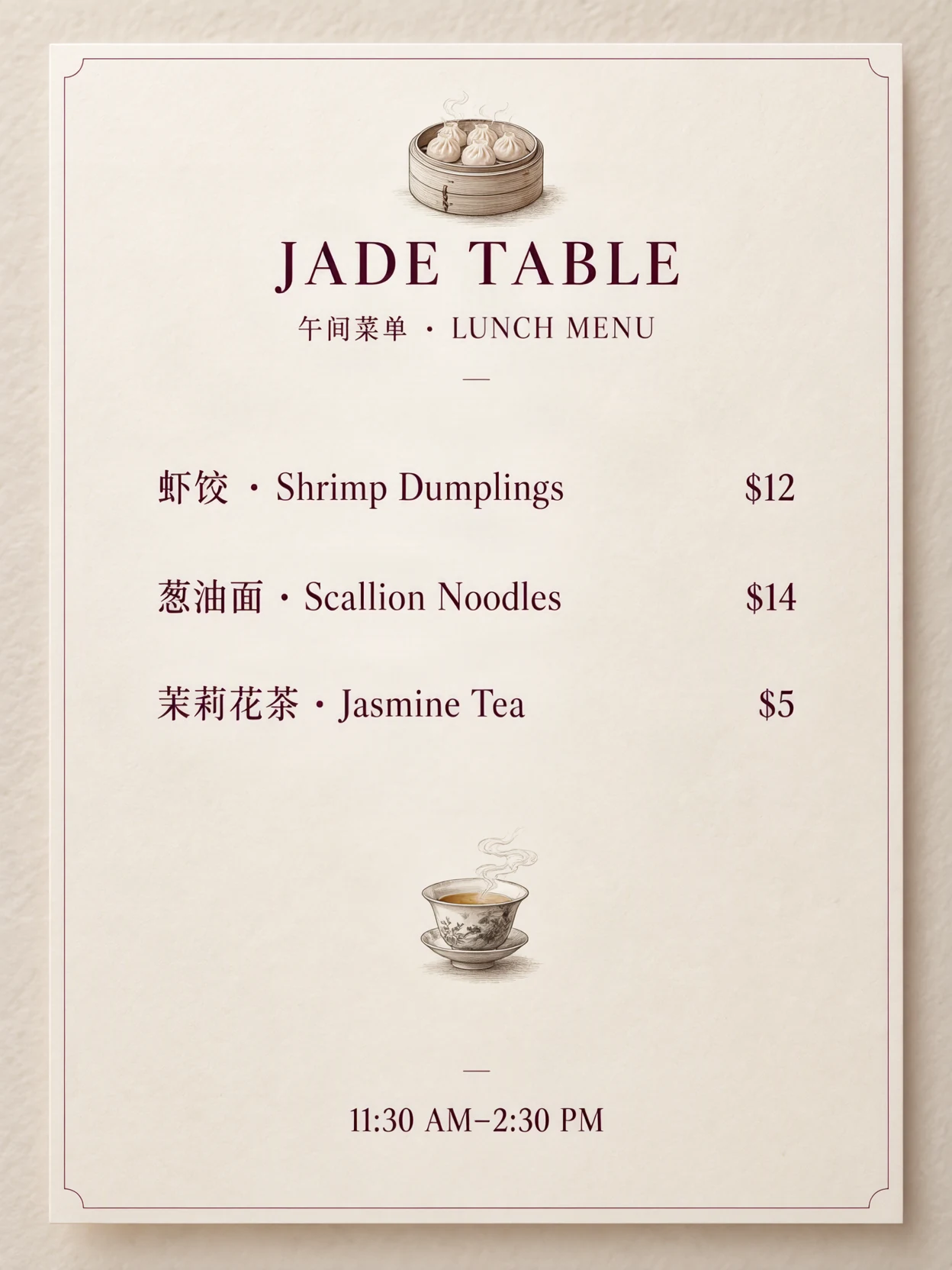
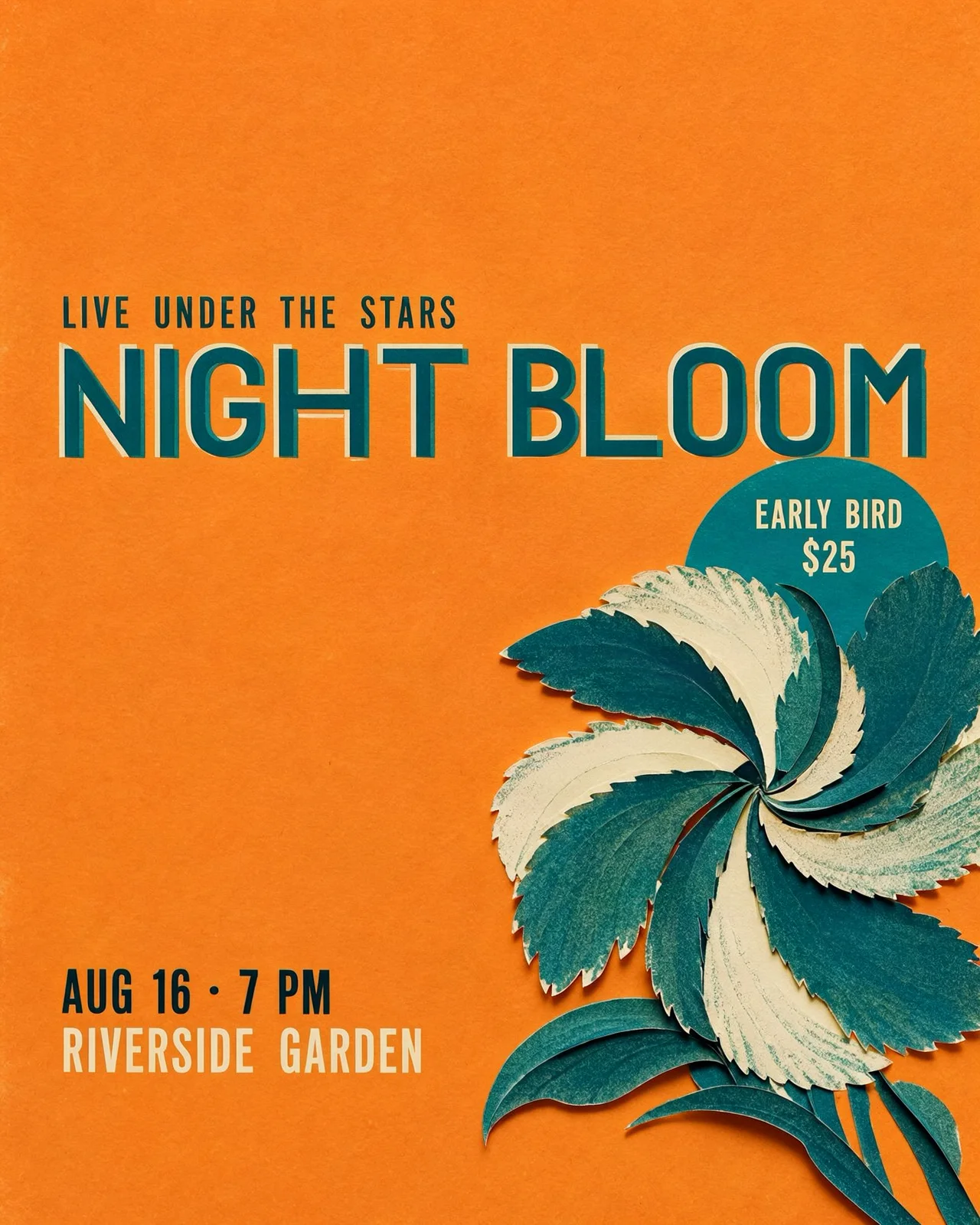
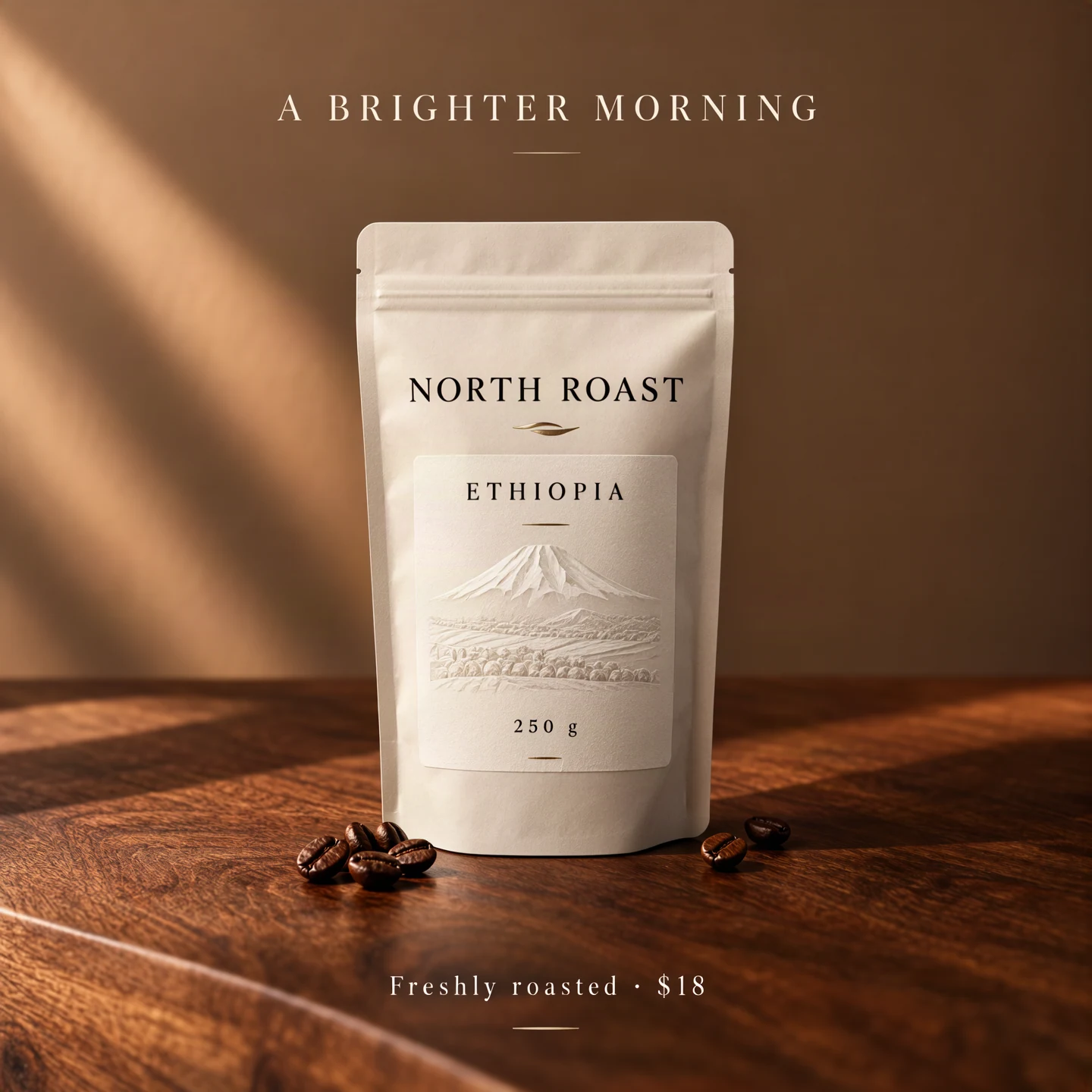
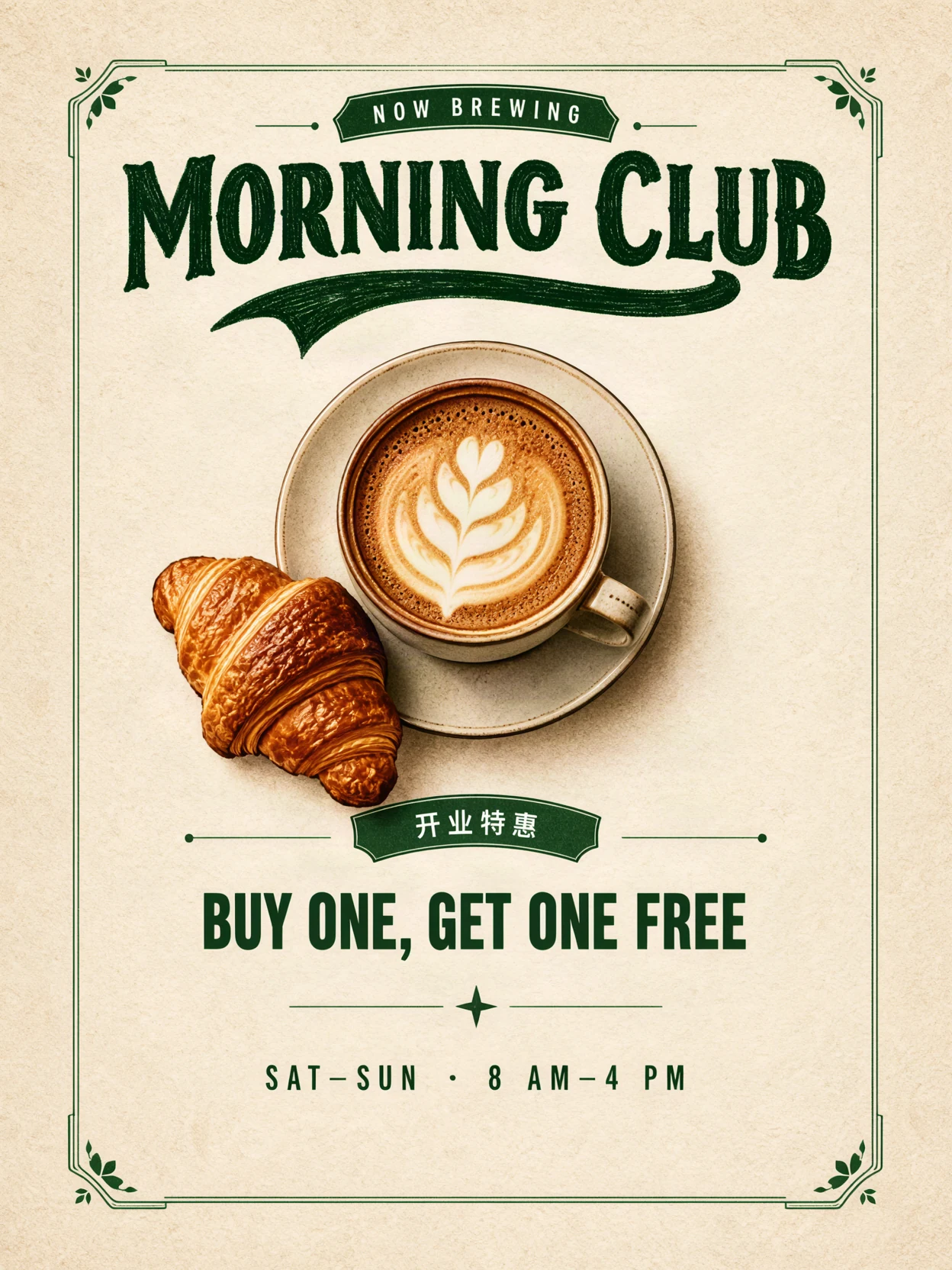
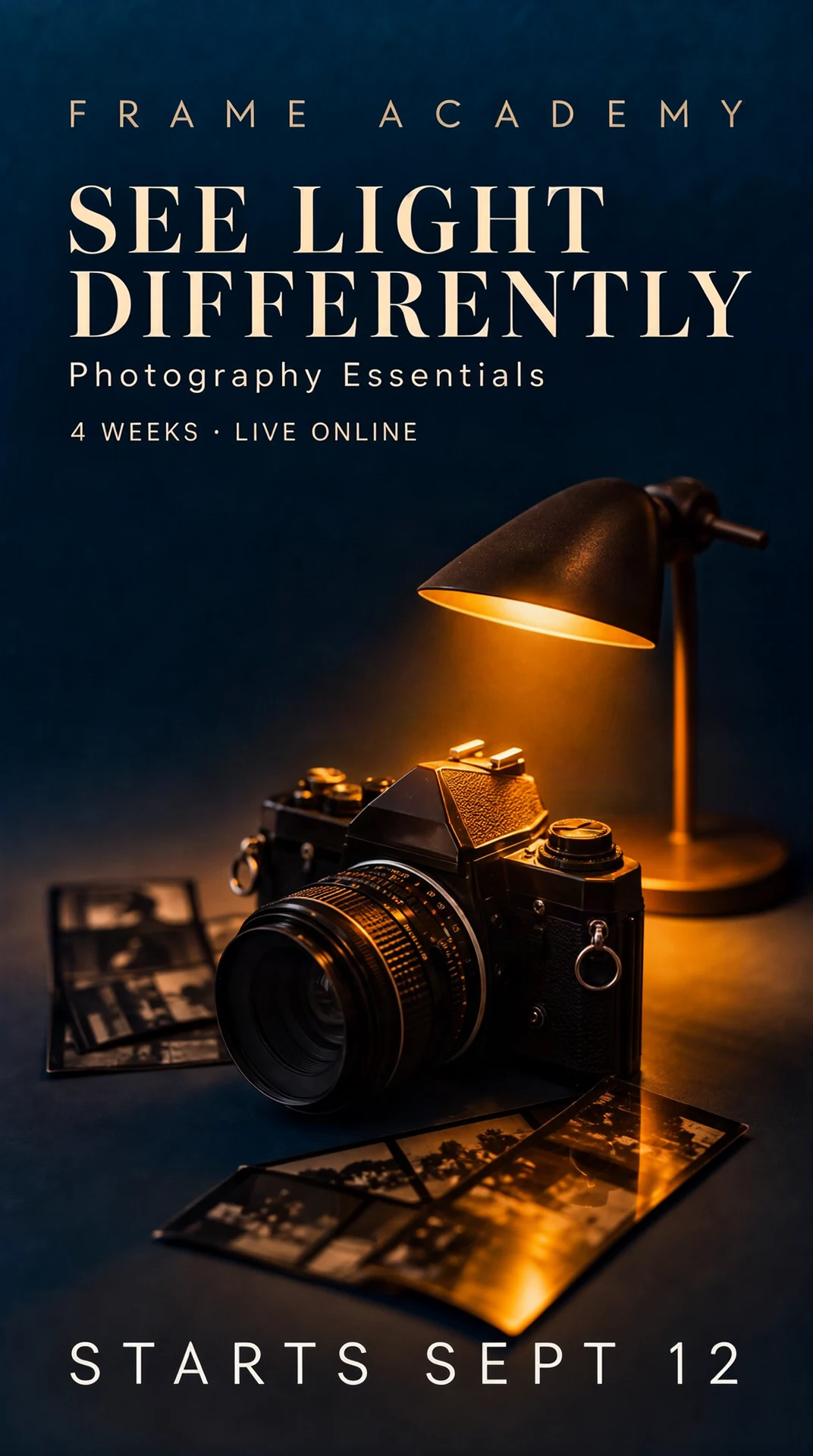
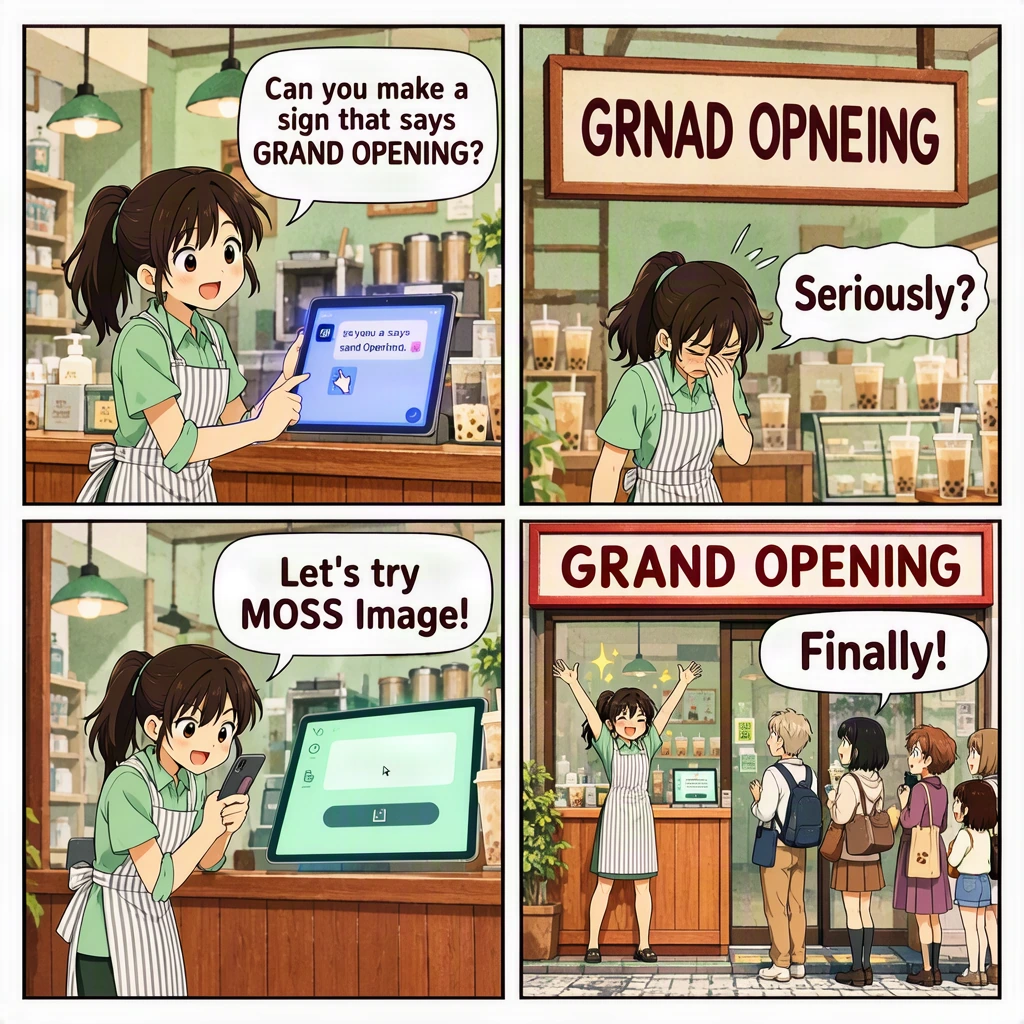
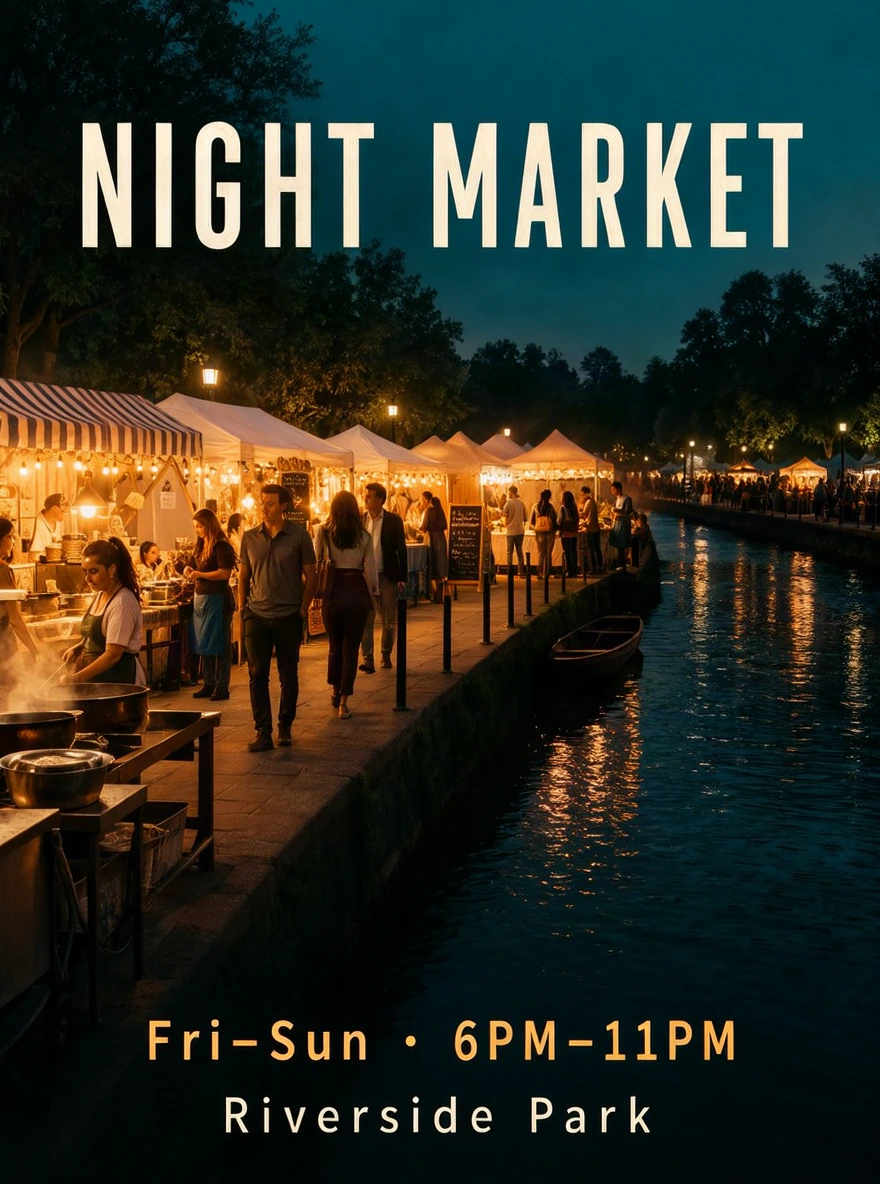
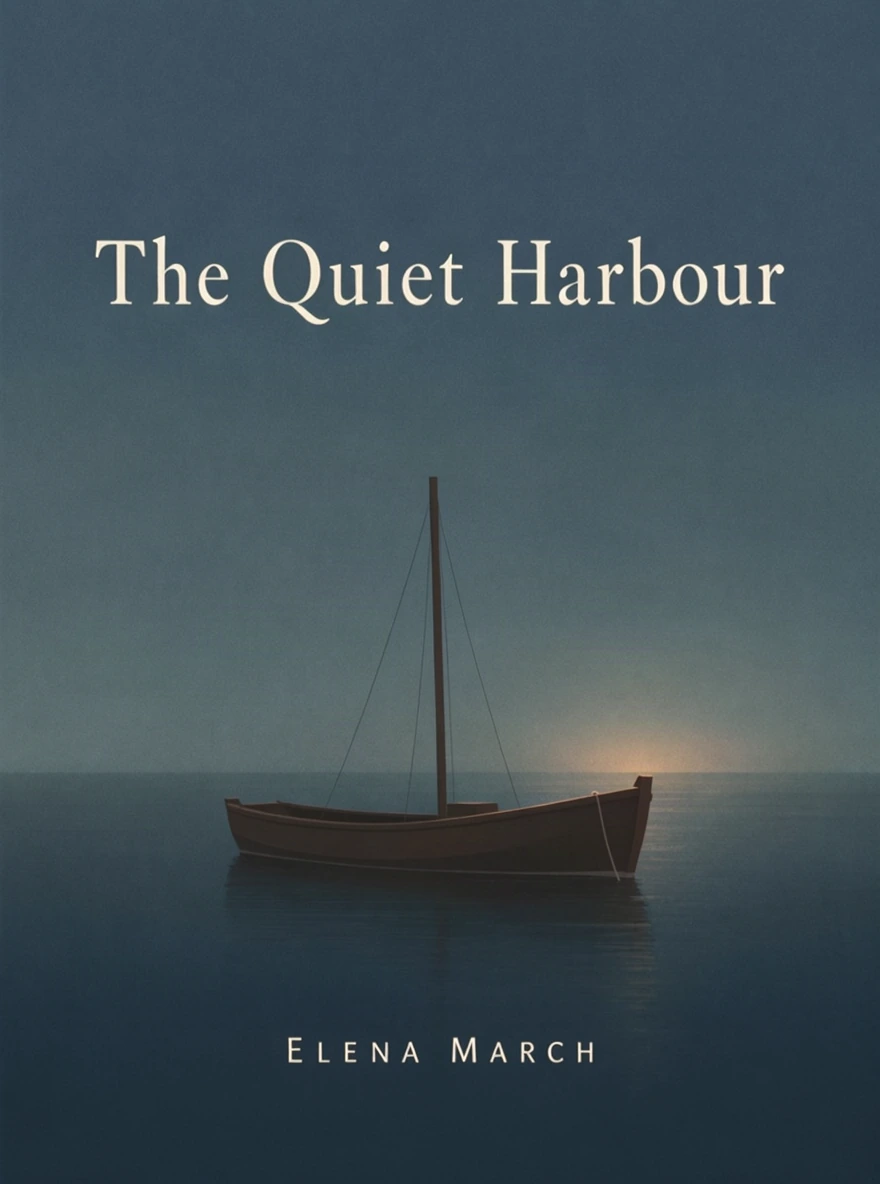
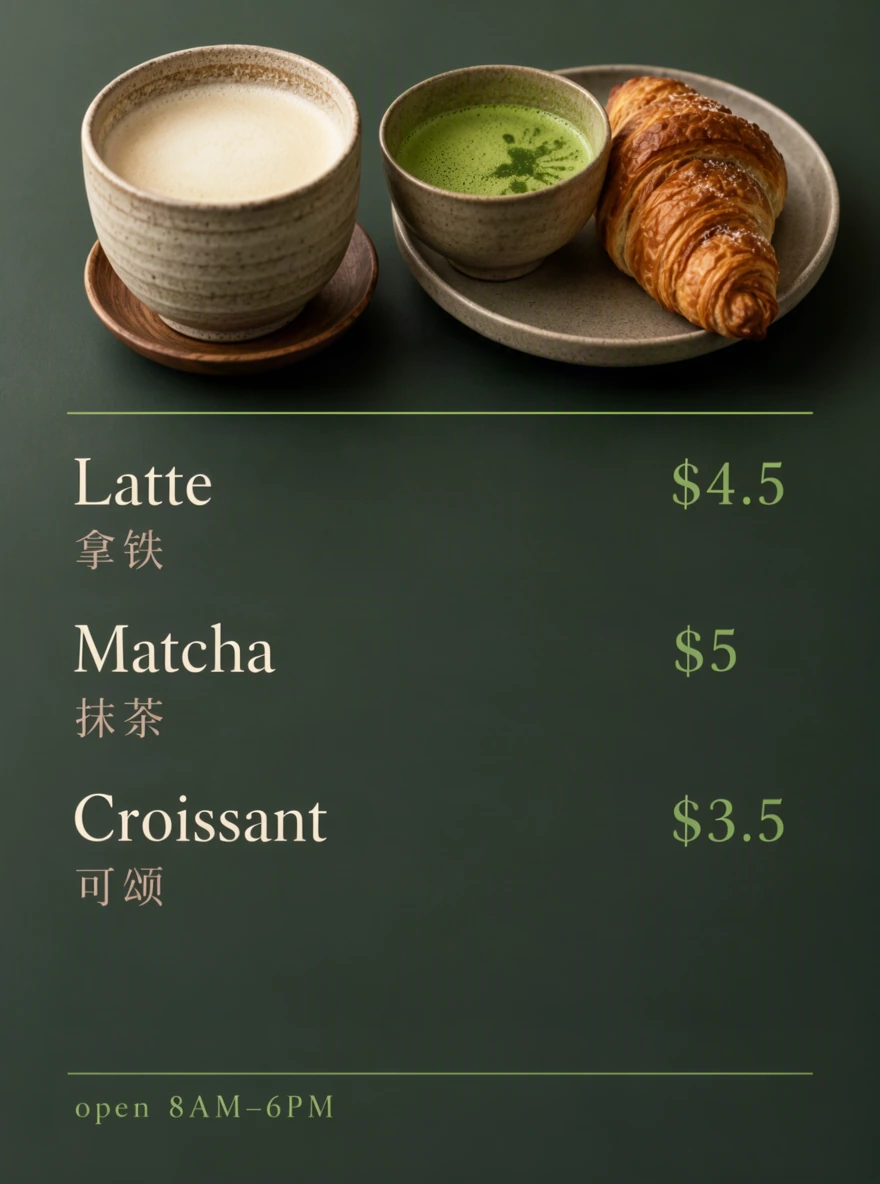
What can MOSS-Image do?
MOSS-Image writes long, accurate English and Chinese text into images and puts each headline, price and character where you plan it, in photoreal or anime style. It is built for pictures that carry information: posters, menus, covers, labels and comics.
MOSS-Image is an open-source model released by the OpenMOSS team in October 2026 under the Apache-2.0 license. In the team's own tests, it led every evaluated model on layout control.
Running MOSS-Image yourself means a high-memory NVIDIA GPU, a ComfyUI setup and hand-written JSON layouts. On MOSS-Image AI you type one line: we plan the layout, run the model and let you change the text afterwards.
Text you can read.
MOSS-Image renders clear English and Chinese lettering, from a two-word headline to a paragraph of fine print.
Words where you want them.
Drag a box to place a headline, a price tag or a logo, and MOSS-Image follows your layout.
A whole menu in one image.
MOSS-Image reads prompts of up to about 4K tokens, enough for a title, a full price list and opening hours together.
Photoreal or anime.
Product shots and anime scenes both come out polished, and both can carry readable text.
How to use MOSS-Image AI
Describe your idea.
One line is enough. Put the exact words you want in quotes, and mention the format if you have one in mind, such as a poster, a menu or a 3:4 social cover.
Generate your image.
Choose a ratio and quality, then click Generate. We prepare the design in the background and show you the finished image.
Refine if needed, then download.
Edit text on the current image, or open the saved layout for designs with text and rearrange it to generate a new version. Download when you are happy with the result.
Tips for clean, readable text
- Quote every word you want to see, and keep each block short. A headline of two to six words reads better than a full sentence.
- Break long copy into separate lines or boxes, such as one line per menu item, instead of one long paragraph.
- Give text enough room. If a box looks cramped on the layout, make it wider before you generate, since tiny boxes produce tiny letters.
- Check names, prices and dates before you publish. Accuracy is high, but a quick proofread takes seconds and saves a reprint.
Choose Your Plan
Start with 6 free credits in total. Upgrade for more clean outputs and commercial projects.
1 free Standard image (2 credits) + 4 welcome credits after email verification or Google sign-up. Trial limits apply.
30 credits, about 15 Standard images. Good for a first project.
54 credits, about 27 Standard images. Just $3 more than Starter for 80% more credits.
110 credits, about 55 Standard images. The lowest price per image, for regular design work.
One-time payment · Credits last 365 days · Failed images are refunded
Payments are processed by Waffo, our Merchant of Record. By buying you agree to our Terms and Refund Policy: unused packs can be refunded in full within 7 days.
MOSS-Image AI FAQ
What types of images is MOSS-Image best suited for?
Based on our test samples, MOSS-Image is best suited for designs that combine text and imagery, such as Chinese–English menus, event and promotional posters, product packaging, labels and ads featuring packaging.
Is MOSS-Image AI free?
Yes, to start. Your first MOSS-Image is free with no sign-up. Verify your email or sign up with Google to get 4 welcome credits, enough for two more Standard images. After that, packs start at $6.99 with no subscription.
Can MOSS-Image make Instagram or RedNote covers?
Yes. Choose 3:4 or 4:5, then put your headline and key points in the idea. MOSS-Image AI lays them out as a cover you can post right away.
Does MOSS-Image get the text right, including Chinese?
English is the most reliable and Chinese is strong too. In the MOSS-Image team's tests on very long text, coverage was 97.1% for English and 92.4% for Chinese. For long Chinese paragraphs, split them into a few blocks and proofread before you publish.
Can I choose where text and objects go?
Yes. Before MOSS-Image generates, you can drag any text, object or character anywhere on the layout and resize it to fit.
Do I need to know JSON to control the MOSS-Image layout?
No. You drag boxes and type words, and MOSS-Image AI writes the layout JSON behind the scenes.
Can I put product names, prices and discounts in one image?
Yes. Each piece of text gets its own box in the layout, so names, prices and offers stay exactly where you put them.
Can I edit a MOSS-Image after generating it?
Yes. MOSS-Image itself can't edit pictures, so MOSS-Image AI adds an editing step on top: change any text and the rest of the image stays the same, or move boxes to get a new version with the layout you want.
Can I upload my own product photo?
Not yet. MOSS-Image creates images from text only. Describe your product's color, shape and material in the idea, and MOSS-Image will draw it from that.
Do I need a GPU or ComfyUI to use MOSS-Image?
No. MOSS-Image AI runs in your browser on our servers. If you want to run MOSS-Image on your own machine, our ComfyUI and VRAM guides walk you through it.
Can I use MOSS-Image pictures commercially?
Yes. MOSS-Image is licensed under Apache-2.0, and images you create on MOSS-Image AI can be used in commercial projects under our terms.
Where is the official MOSS-Image site?
The MOSS-Image project page is openmoss.ai, and the official demo runs on Hugging Face. It is free but has a queue.
What if a generation fails?
Your credits are refunded automatically, and you can try again right away.
Ready to see your idea, words and all?
Describe your idea in one line and get your image free.
Create my artwork